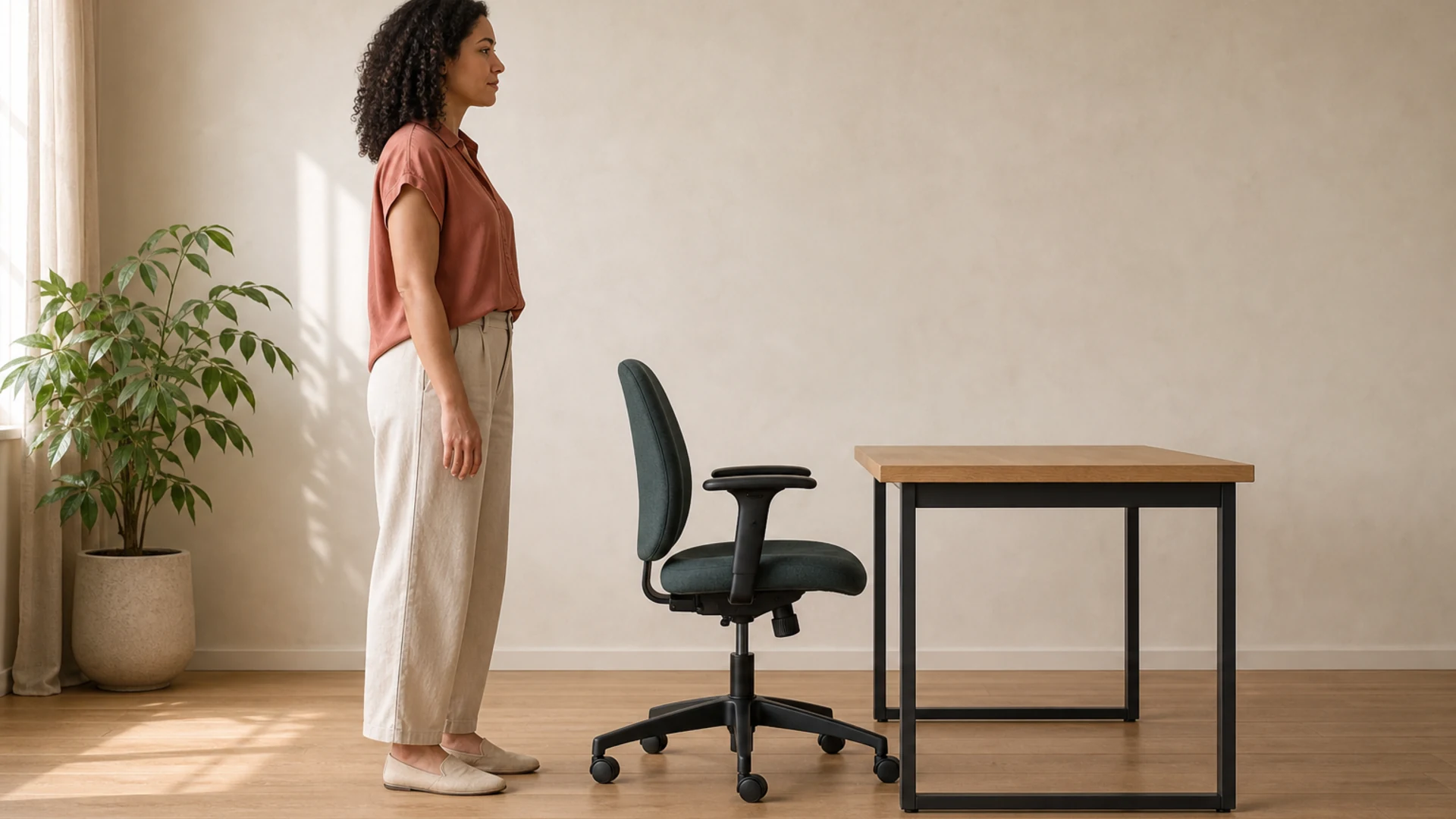
These are estimated starting ranges—not ideal heights, guarantees, or ergonomic standards. Set your chair first, bring the keyboard to relaxed elbow height, and then position the screen. For a value tailored to your exact height, use the ergonomic height calculator.
Sitting desk, chair, and standing desk height chart
Measure desk and keyboard heights from the floor to the surface where your hands rest. Measure chair height from the floor to the top of the compressed seat cushion.
| Your height | Sitting keyboard surface | Chair seat height | Standing keyboard surface |
|---|---|---|---|
| 4′10″ (147.3 cm) | 22.5–24.5 in 57.1–62.2 cm | 14.0–15.0 in 35.6–38.1 cm | 30.9–32.9 in 78.5–83.6 cm |
| 5′0″ (152.4 cm) | 23.3–25.3 in 59.2–64.3 cm | 14.5–15.5 in 36.8–39.4 cm | 32.0–34.0 in 81.3–86.4 cm |
| 5′2″ (157.5 cm) | 24.1–26.1 in 61.2–66.3 cm | 15.0–16.0 in 38.1–40.6 cm | 33.1–35.1 in 84.1–89.2 cm |
| 5′4″ (162.6 cm) | 24.9–26.9 in 63.3–68.4 cm | 15.5–16.5 in 39.4–41.9 cm | 34.2–36.2 in 86.9–91.9 cm |
| 5′6″ (167.6 cm) | 25.7–27.7 in 65.4–70.4 cm | 16.0–17.0 in 40.6–43.2 cm | 35.3–37.3 in 89.7–94.7 cm |
| 5′8″ (172.7 cm) | 26.5–28.5 in 67.4–72.5 cm | 16.5–17.5 in 41.9–44.5 cm | 36.4–38.4 in 92.5–97.5 cm |
| 5′10″ (177.8 cm) | 27.4–29.4 in 69.5–74.5 cm | 17.0–18.0 in 43.2–45.7 cm | 37.5–39.5 in 95.3–100.3 cm |
| 6′0″ (182.9 cm) | 28.2–30.2 in 71.5–76.6 cm | 17.5–18.5 in 44.5–47.0 cm | 38.6–40.6 in 98.0–103.1 cm |
| 6′2″ (188.0 cm) | 29.0–31.0 in 73.6–78.7 cm | 18.0–19.0 in 45.7–48.3 cm | 39.7–41.7 in 100.8–105.9 cm |
| 6′4″ (193.0 cm) | 29.8–31.8 in 75.6–80.7 cm | 18.5–19.5 in 47.0–49.5 cm | 40.8–42.8 in 103.6–108.7 cm |
| 6′6″ (198.1 cm) | 30.6–32.6 in 77.7–82.8 cm | 19.0–20.0 in 48.3–50.8 cm | 41.9–43.9 in 106.4–111.5 cm |
| 6′8″ (203.2 cm) | 31.4–33.4 in 79.8–84.8 cm | 19.5–20.5 in 49.5–52.1 cm | 43.0–45.0 in 109.2–114.3 cm |
How the estimates are calculated
We use a transparent proportional heuristic, then show a practical band around each estimate. The input is total stature in inches. The table values are rounded to one decimal place only for display, and metric values are converted from the underlying range endpoints.
Fine-tune the number using posture checkpoints
The chart gives you a measuring-tape target. Your posture tells you whether to move above or below it. OSHA’s computer workstation guidance is useful for these checkpoints, even though it does not supply our coefficients.
If the chair is too high or low
- Too high: lower it until your feet are supported. If the keyboard then sits too high, add a footrest and keep the chair at elbow height.
- Too low: raise it until thighs feel supported and shoulders can stay relaxed; check that your feet still have firm support.
If the keyboard is too high or low
- Too high: lower the surface or use a keyboard tray if shoulders lift, elbows flare, or wrists bend upward.
- Too low: raise the surface if you lean forward or reach down. Aim for relaxed shoulders, elbows near the torso, and neutral wrists.
If standing height feels wrong
- Too high: lower the desk until forearms meet the keyboard without shrugged shoulders.
- Too low: raise it until you can work upright without leaning onto the desk. Recheck after changing shoes or adding a mat.
Set the monitor after the input surface. OSHA’s monitor guidance recommends a screen at or slightly below eye level, positioned so you can view it without bending the head or neck.
Posture sources and scope
- OSHA Computer Workstations eTool — general workstation arrangement and neutral working posture.
- OSHA Workstation Components: Chairs — foot support, seat adjustment, and chair fit checkpoints.
- OSHA Workstation Components: Monitors — screen position at or slightly below eye level.
Not medical advice: This chart is educational and cannot diagnose, prevent, or treat pain or injury. If a setup change causes pain, numbness, tingling, or persistent discomfort, stop and consult a qualified healthcare or ergonomics professional.
Turn the range into a workspace
Calculate your exact height
Enter your actual stature for personalized sitting desk, chair, standing desk, and monitor starting points.
Use the height calculator →Choose an adjustable desk
Learn what height range and stability details matter, then browse the site’s current desk deal listings.
Read the desk guide →Browse desk deals →Compare desks →Fit the chair to you
Use adjustability—not a label—as the buying filter, then explore chair deal listings.
Read the chair guide →Browse chair deals →Planning to alternate positions? See the standing desk guide for adjustment-range and setup considerations.